Improve Website Speed Using Free Online Tools | NextWebTools Guide
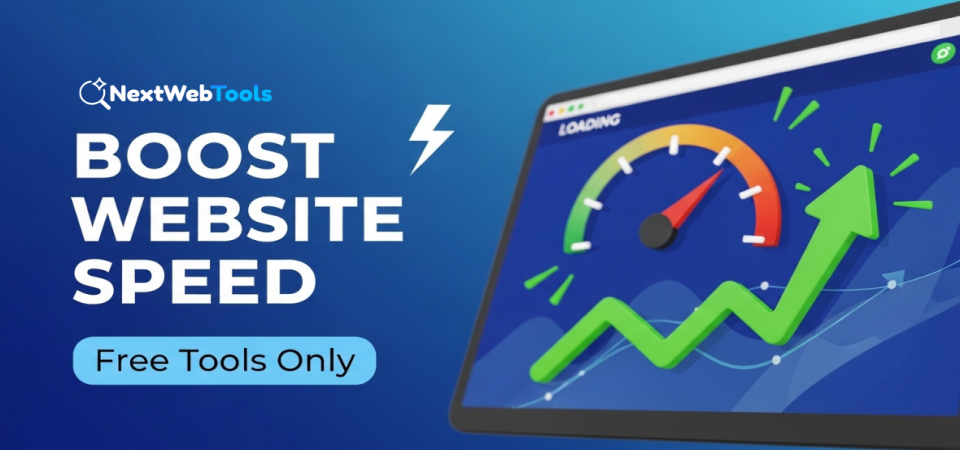
Website speed is one of the most important factors for SEO and user experience. If your website loads slowly, visitors may leave before reading your content. Search engines also prefer fast websites because they provide a better experience.
The good news is that you do not need expensive software to improve website speed. You can use free online tools to identify problems and fix them step by step.
Why Website Speed Matters
A fast website helps you:
- Reduce bounce rate
- Improve search engine rankings
- Increase user engagement
- Boost conversions and sales
Search engines like Google consider page speed an important ranking factor. A slow website can limit your growth, even if your content is good.
1. Check Your Website Performance
The first step is testing your current speed. You need to know what is slowing down your website before fixing it.
Use tools like:
-
Page speed testing platforms
-
Core Web Vitals analyzers
-
Performance checkers
These tools show loading time, page size, and suggestions for improvement.
2. Optimize Images
Large images are one of the biggest reasons for slow websites. Compress images before uploading them. Use modern formats like WebP when possible.
Make sure:
-
Images are properly sized
-
File size is reduced
-
Unused images are removed
Optimized images can significantly improve loading time.
3. Minimize Unnecessary Scripts
Too many plugins, ads, and scripts can slow your website. Remove unused plugins and disable unnecessary features.
If you run a WordPress website, review your installed plugins and keep only essential ones.
4. Improve Hosting Performance
Your hosting provider plays a major role in speed. Cheap or overloaded servers can cause slow response times.
Check your server IP and hosting information using tools available on NextWebTools to ensure your website is properly configured.
If your website remains slow despite optimization, upgrading hosting may be necessary.
5. Enable Caching
Caching stores a temporary version of your website so it loads faster for repeat visitors. Most hosting providers offer caching features, or you can enable it through plugins.
Caching reduces server load and improves performance instantly.
6. Check DNS and Server Response
Sometimes speed issues are related to DNS or server configuration. You can verify DNS records and server details using the DNS Lookup and Domain tools on NextWeb Tools.
Incorrect DNS settings can increase loading time or cause downtime.
7. Use HTTPS and Secure Connections
Secure websites load more efficiently and build user trust. You can verify your SSL certificate using an SSL Checker tool to ensure your security settings are correct.
HTTPS also improves credibility and supports better rankings.
8. Reduce Page Size
Heavy pages with too many elements load slowly. Keep your design clean and simple. Avoid excessive animations and large background videos.
Focus on content clarity instead of unnecessary design effects.
Conclusion
Improving website speed does not require paid tools or technical expertise. By testing performance, optimizing images, reducing scripts, checking DNS settings, and using proper hosting, you can significantly improve your website’s loading time.
A fast website creates a better user experience, improves SEO rankings, and increases visitor trust. Start with small improvements and monitor your results regularly. Over time, these changes will help your website grow naturally.